Tech Bag
I maintain two parallel setups1 with a focus on coverage, rather than extreme minimalism:
- Travel + Meetings, optimized for flights, hotels, conference rooms, and client environments
- Carry on, my everyday carry, following the same structure and logic
Much like a shaving kit, items are never removed on an ad hoc basis. Each pouch remains complete at all times so that nothing needs to be reassembled while traveling. This approach minimizes stress related to missing items.
Guiding principles:
- Use one multi-port GaN charger per pouch instead of multiple device-specific chargers
- Prefer USB-C with adapters to bridge real-world constraints2
- Select accessories that support multiple devices, rather than single-purpose tools
- Avoid overpacking by purchasing locally or borrowing on site when appropriate
This setup supports the following devices:
- M4 MacBook
- M3 13” iPad
- iPhone
- Apple Watch Ultra
🔌 Power & Charging
A single high-wattage GaN charger replaces multiple power bricks. The charger is North America–specific; an international plug adapter is used when traveling abroad.
A compact power bank can can top up the MacBook, but is primarily intended for the iPhone and iPad.
| Item | Travel + Meetings | Carry On |
|---|---|---|
| Multi-port charger (single charger for all devices) |
• Anker 737 GaNPrime 120W | Same |
| USB-C cables | • Anker USB-C 100W (3 ft) • Anker USB-C 100W (6 ft) |
Same |
| Apple Watch cable | • Apple Magnetic Fast Charging Cable | Same |
| Power bank | • Anker 737 Power Bank (24K, USB-C PD) | Same |
| International plug adapter | • Epicka Universal Travel Adapter | – |
🖥 Display & Connectivity
Unfamiliar environments require maximum compatibility, while desk setups demand stability and high refresh rates. For this reason, direct cables are preferred over hubs for display connections.
| Item | Travel + Meetings | Carry On |
|---|---|---|
| USB-C → HDMI (meeting rooms, TVs) |
• Anker USB-C → HDMI 2.1 Cable | – |
| USB-C → DisplayPort (high-refresh monitors) |
• Cable Matters USB-C → DisplayPort 1.4 | – |
| Presentation remote | • Logitech Spotlight (USB-C version) | – |
| USB-C → USB-A adapter | • Anker USB-C → USB-A Adapter | – |
| Ethernet | • Anker USB-C → Ethernet Adapter • UniFi Thin Ethernet cable (1 m) |
– |
💾 Storage & Security
Portable storage enables fast backups and efficient project hand-off. Security accessories are included for situations where physical device protection is required.
| Item | Travel + Meetings | Carry On |
|---|---|---|
| Portable SSD | • Samsung T7 Shield | – |
| USB-C flash drive | • SanDisk Ultra Dual Drive USB-C | – |
| Hardware security key | • YubiKey 5C | – |
| Cable lock3 | • Kensington Slim NanoSaver Combination Lock | – |
🎧 Audio & Input
Noise-cancelling earbuds significantly improve comfort during travel. Wired earbuds are included as a dependable fallback when Bluetooth connectivity or battery life becomes an issue.
Most in-flight entertainment systems still rely on 3.5 mm audio jacks, which requires a Bluetooth transmitter.
| Item | Travel + Meetings | Carry On |
|---|---|---|
| Wireless earbuds | • AirPods Pro | – |
| Wired backup earbuds | • Apple USB-C EarPods | – |
| Bluetooth audio transmitter | • Twelve South AirFly Pro | – |
| Travel mouse | • Microsoft Surface Arc Mouse | – |
🧼 Miscellaneous
Small accessories that prevent disproportionate inconvenience while traveling.
| Item | Travel + Meetings | Carry On |
|---|---|---|
| SIM eject tool4 | • Apple SIM eject tool | – |
| Reusable cable ties | • Nite Ize Gear Tie (3-inch) | Same |
| SD card reader | • Apple USB-C to SD Card Reader | – |
| Tracking card | • SpotMinders Tracking Card | Same |
🎒 Bags
| Item | Travel + Meetings | Carry On |
|---|---|---|
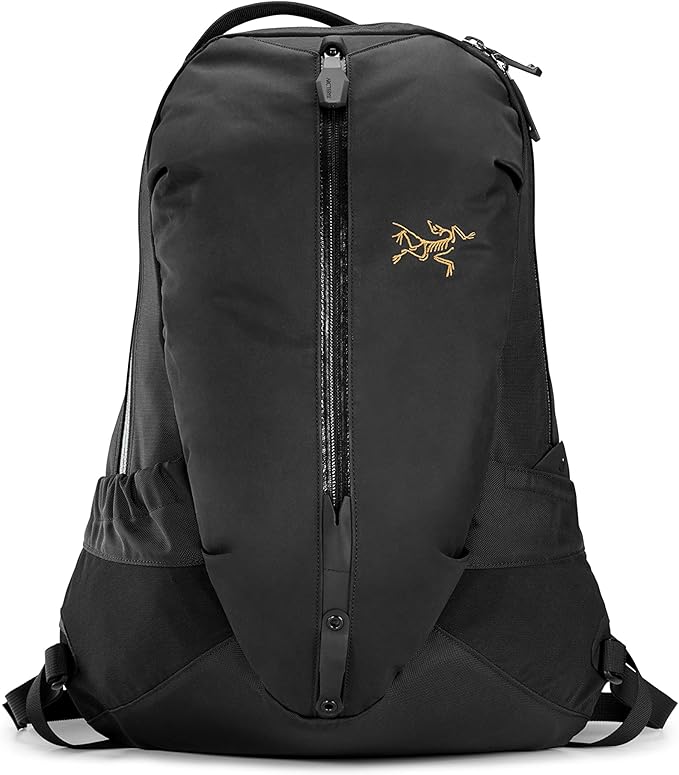
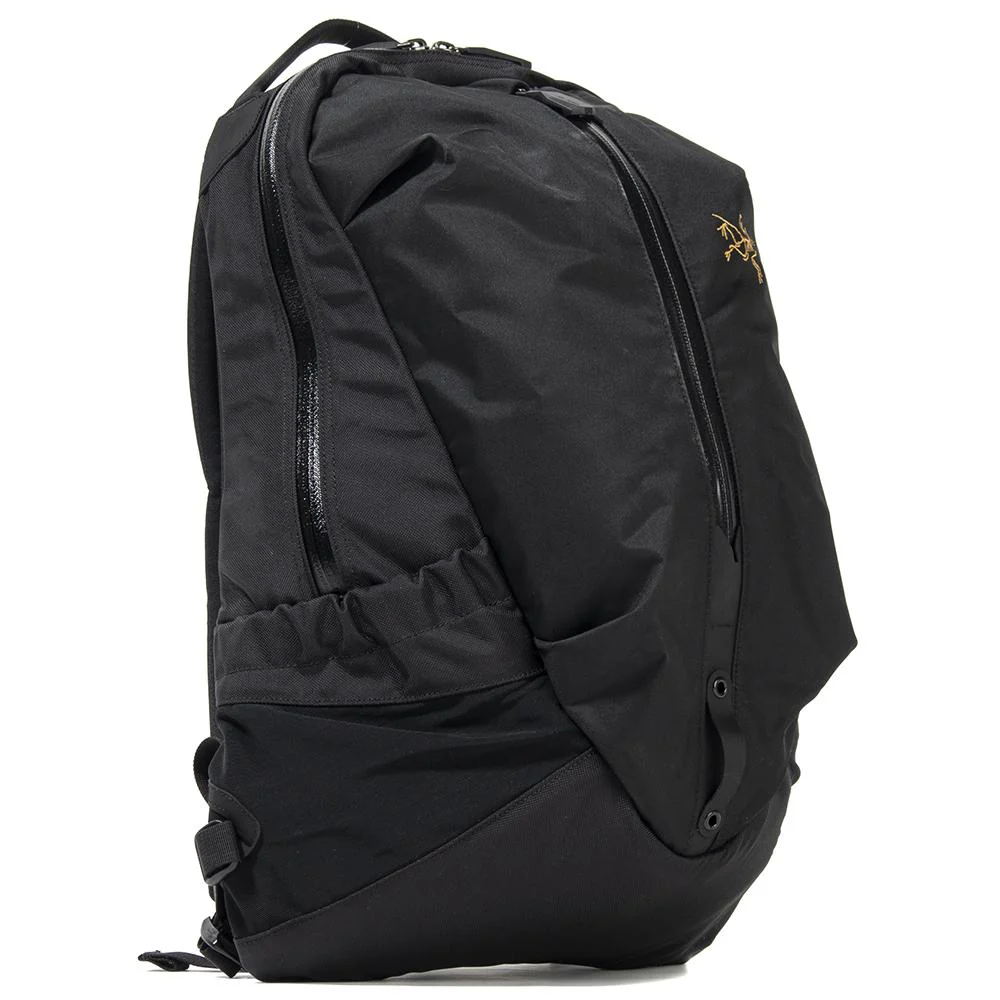
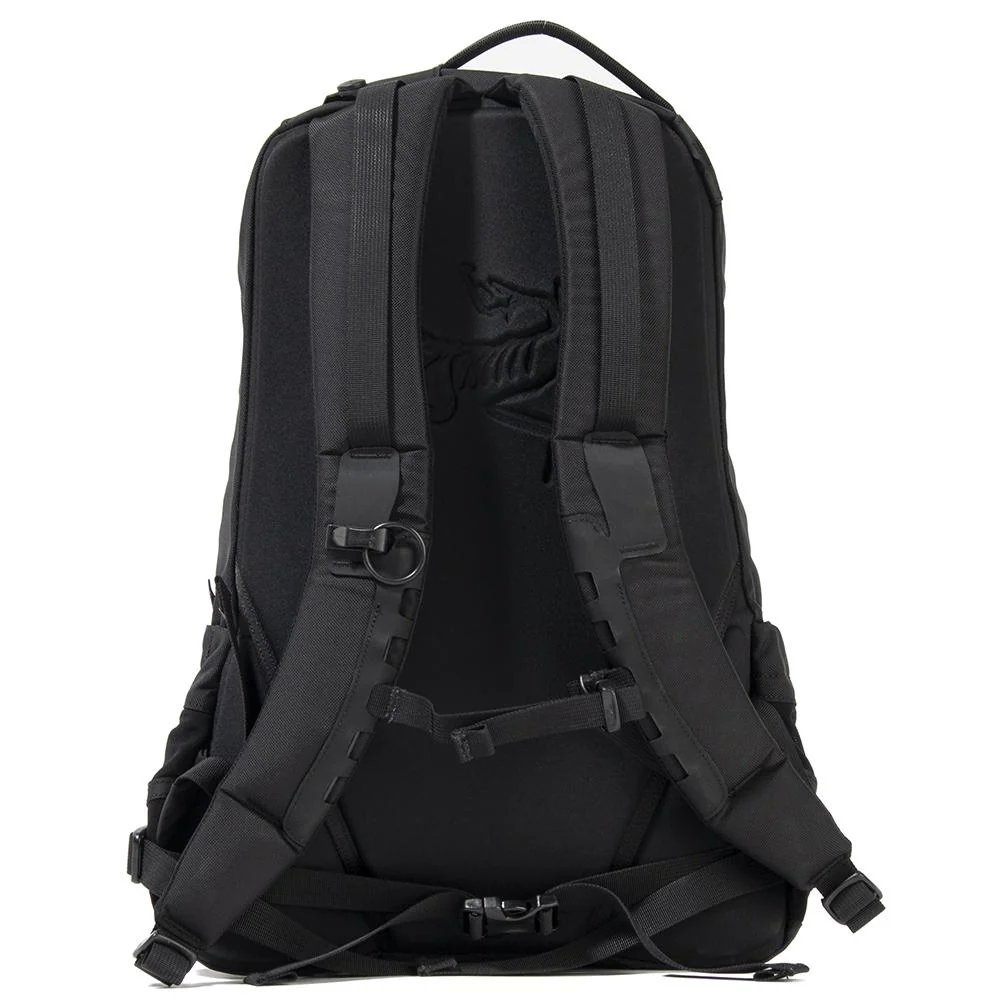
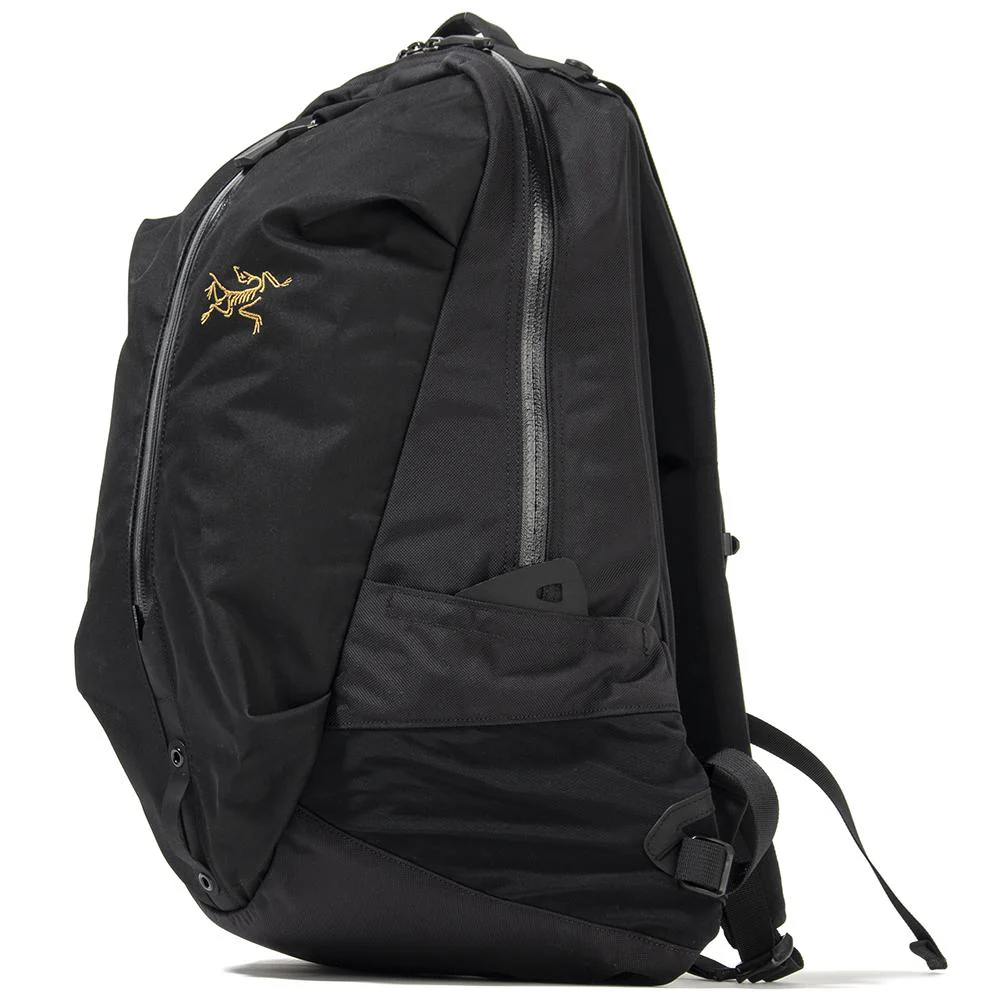
| Backpack | • GORUCK GR1 26L | • ARC’TERYX Arro 16 (discontinued): 1, 2, 3 & 4 |
| Tech pouch | • Peak Design Tech Pouch | Same |
-
One system with two pouches for any room, any monitor, any country without rethinking the setup. ↩︎
-
Although USB-C is the default, USB-A adapter remains useful in real-world scenarios such as hotels and rental cars. ↩︎
-
Apple laptops require a compatible lock adapter from MacLocks ↩︎
-
If you don’t have an eSIM-only phones, you might swap SIM card when traveling abroad. ↩︎